Simon Willison Develops Quick Study Tool
Simon Willison creates a tool that rapidly paints a photo using a canvas element. The tool utilizes Claude Opus 5.5 High and a simulated paintbrush.
Original reporting · simonwillison.net
Original: “Quick Study”
Read “Quick Study” at Simon Willison →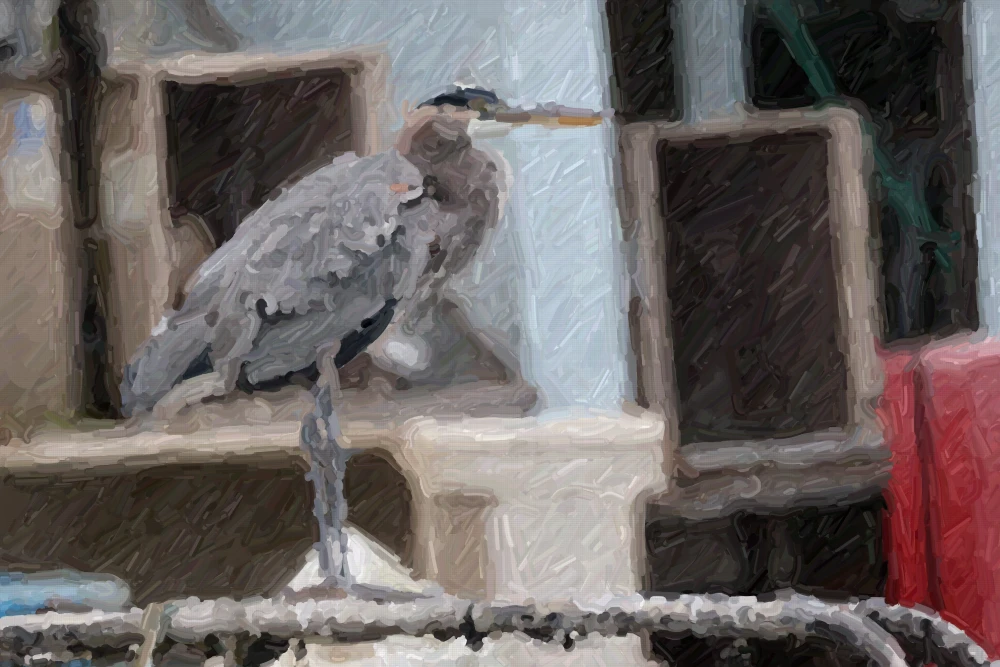
How this was written. GDS wrote this article with a language model from Simon Willison’s reporting (model: @cf/meta/llama-3.3-70b-instruct-fp8-fast); it describes that reporting rather than adding to it. The original, linked above, is the full story.
Key points from Simon Willison’s report
- Simon Willison has developed a Quick Study tool that paints photos rapidly.
- The tool uses Claude Opus 5.5 High and a simulated paintbrush.
- The painting process takes only a few seconds.
Simon Willison reported a new development in his Quick Study tool, according to his recent publication. The tool is designed to open a photo and rapidly paint a version of it using a canvas element and a simulated paintbrush.
The Quick Study tool is built with Claude Opus 5.5 High, a key component in its functionality. This tool may have various applications, although the source does not specify them.
The process of painting the photo takes only a few seconds, indicating a high level of efficiency in the tool's design. Simon Willison also references a previous experiment with Claude Fable, suggesting ongoing research in this area.
Questions and answers
What is the Quick Study tool designed to do?
The Quick Study tool is designed to open a photo and rapidly paint a version of it using a canvas element and a simulated paintbrush.
What technology does the Quick Study tool use?
The Quick Study tool is built with Claude Opus 5.5 High.